

Finger Picker: The Random Finger Chooser
Finger Picker is a finger chooser app: everyone puts a finger on the screen, a 3-second countdown runs, a light hops between the fingers and one gets picked. Its color floods the whole screen so nobody can claim they didn't see it.
It is the Chwazi-style tool inside the Dronk app, and it is always free. Use it for who starts, who picks the next game, who goes first in The Draft, and who takes the penalty when nobody wants to.
iPhone · Free · No account · English and 22 other languages
| Fingers on screen | 2 to 5 (iPhone's multitouch limit) |
|---|---|
| Countdown | 3 seconds, restarts if a finger is added or lifted |
| Reveal | Light hops between fingers, speeds up, lands on one, color floods the screen |
| Randomness | Winner drawn at random before the animation starts |
| Reset | Everyone lifts off, ready for the next round |
| Equipment | One iPhone, flat on the table |
| Price | Free, in the Dronk app |
| Part of | The Dronk app, 16 party games |
01 · DefinitionWhat is Finger Picker?
Finger Picker is a random finger chooser built into the Dronk party game app. It replaces rock-paper-scissors, coin flips and "youngest goes first" with one gesture: everyone touches the screen, the app picks one finger. Each finger gets its own color the moment it lands, a countdown ring sweeps around every finger for three seconds, and then a highlight hops from finger to finger, slow at first and faster and faster, until it stops on the one that was chosen. That color takes over the entire screen.
The pick is made the instant the countdown ends, before the light starts moving. The hopping animation is there so the whole table can watch it land, not to decide the outcome. A heavy haptic thump marks the reveal, so it works even if the phone is face-up in a loud room.
Finger Picker is one of the 16 games in Dronk It is always free, needs no account and shows no ads.
02 · How it worksHow to use Finger Picker (step by step)
Three screens, about ten seconds. The details matter when someone accuses you of rigging it.
-
 1
1Lay the phone flat, fingers on the screen
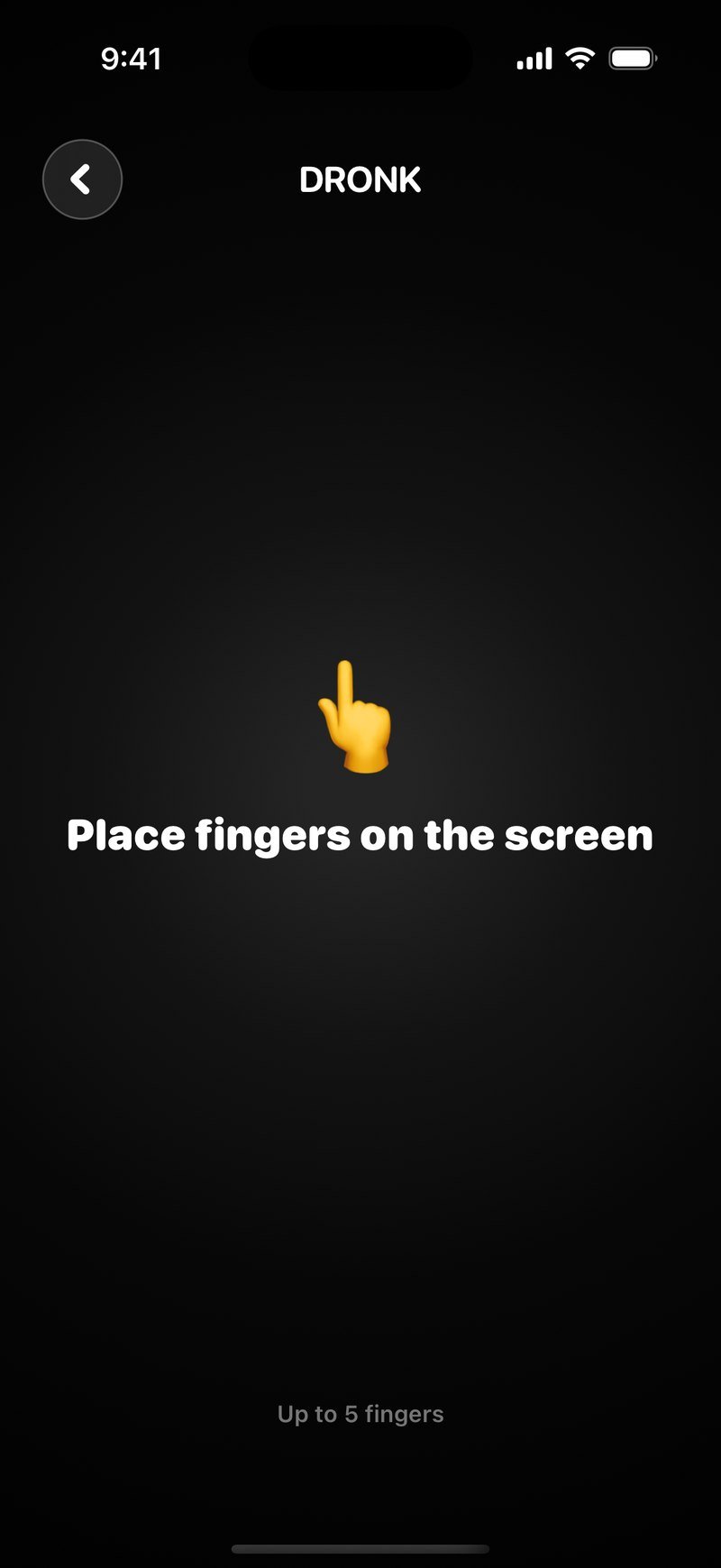
Open Finger Picker and the screen is black with one instruction: "Place fingers on the screen". Put the iPhone in the middle of the table and everyone puts one finger down, anywhere. "Up to 5 fingers" at the bottom is the hard limit: a sixth finger cancels every touch and the picker resets.
-
 2
2Hold still for three seconds
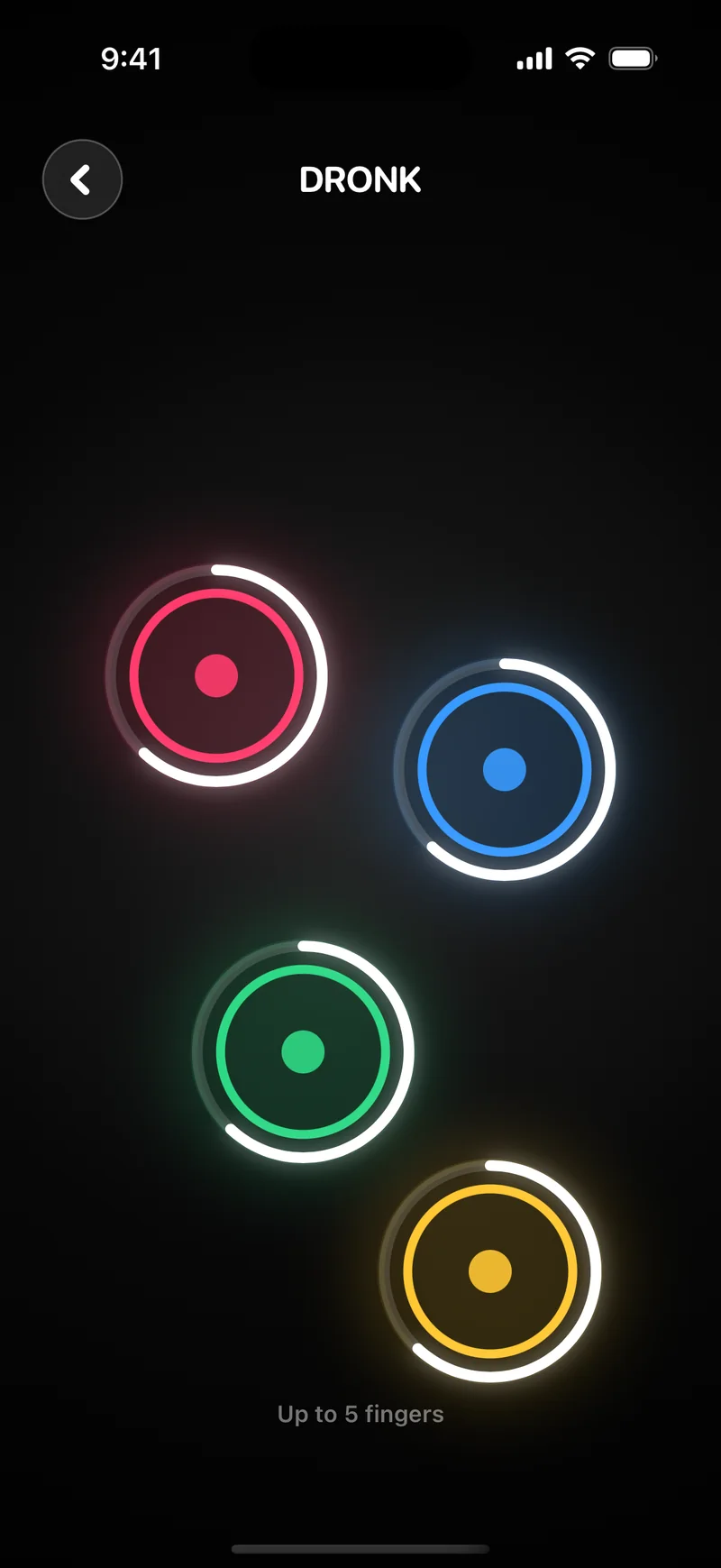
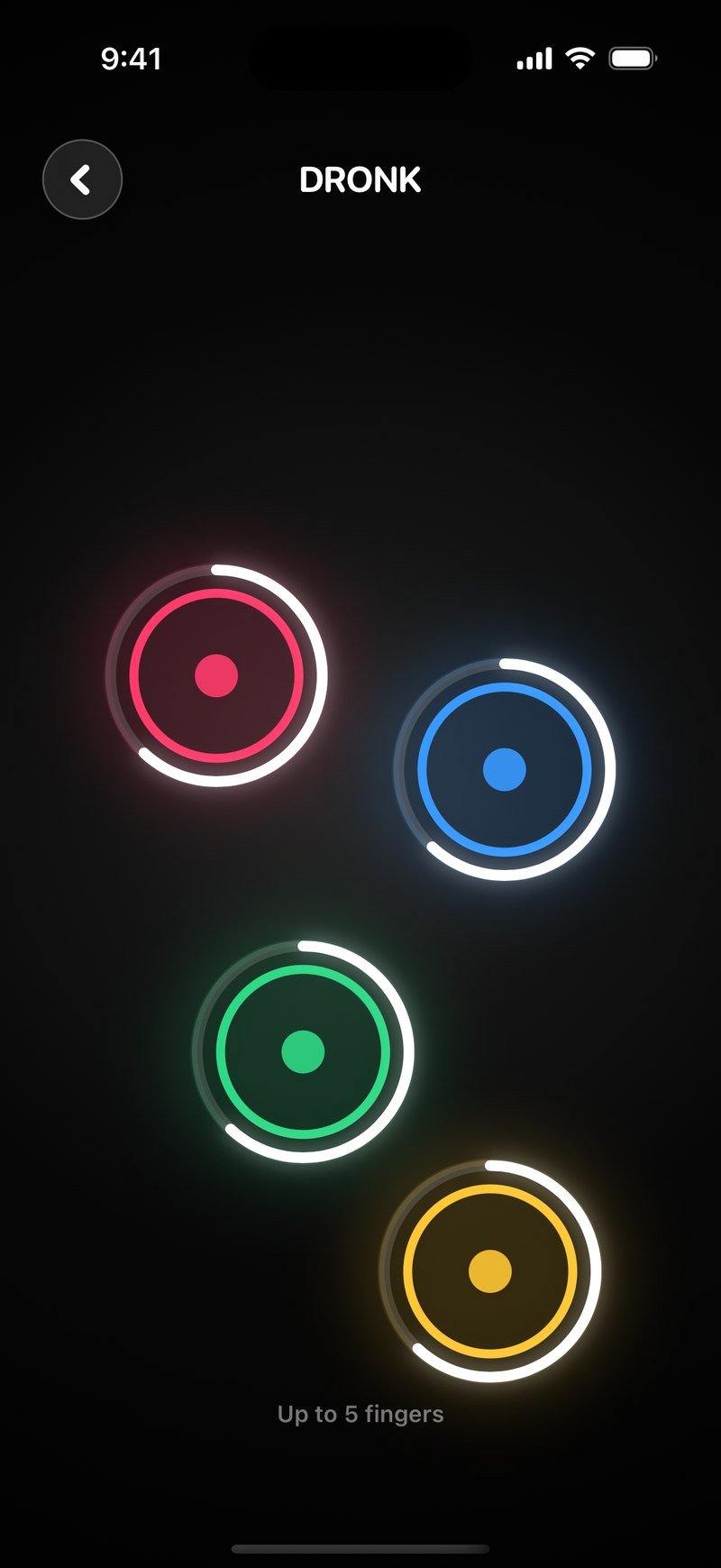
Each finger gets its own colored ring the moment it lands (pink, blue, green and yellow here), and a white countdown arc sweeps around every ring for three seconds, with a tick every second. Adding or lifting a finger restarts the countdown, so latecomers can join and nobody can sneak out.
-
 3
3One color floods the screen
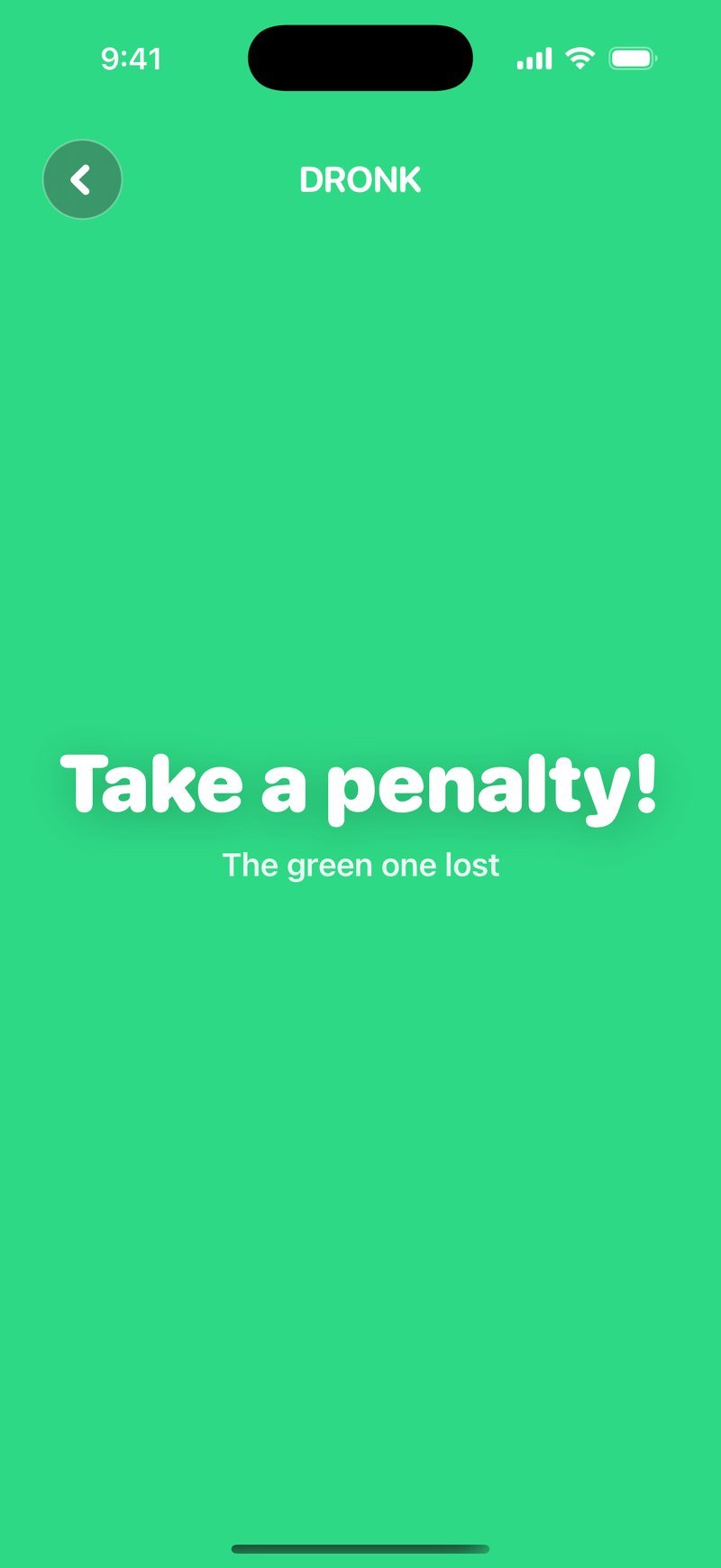
The winner is drawn at random the moment the countdown ends. A highlight hops between the fingers, speeds up and stops, and that finger's color takes over the whole screen: "Take a penalty! The green one lost." Everyone lifts off, the screen clears, and it's ready to go again.


Run it in two heats: five fingers, then the winner of heat one against the rest. Or hand the whole decision to Roulette, which spins for any number of names.
03 · UsesWhat people use Finger Picker for
The Dronk version sits next to 15 party games, so most of its use is settling the small decisions those games create. But it works just as well outside a game night.
Who starts
First imposter round, first spin in The Draft, first pass in The Bomb.
Who takes the penalty
When a round ends in a tie and somebody has to.
Who picks
Next game, next song, next category, next movie.
Who drives / who orders
Designated driver, food run, the person who calls the cab.
Who does the dishes
Cabin trips, dorm kitchens, the morning after.
Splitting into teams
Pick one captain, then the other, and let them draft.
04 · ComparedFinger Picker vs Chwazi vs a coin flip
Chwazi is the app most people mean when they say "finger chooser". Here is where Dronk's version is the same and where it isn't.
| Finger Picker (Dronk) | Chwazi | Coin flip | |
|---|---|---|---|
| Input | Fingers on screen | Fingers on screen | Heads or tails |
| Max people | 5 at once (iPhone limit) | Depends on device | 2 |
| Picks | One winner | Winners or groups | One of two |
| Reveal | Hopping light + full-screen color | Highlighted circle | Look at the coin |
| Price | Always free | Free | Free |
| Party games included | 13 | No | No |
Pick Finger Picker when the decision leads straight into a party game. Pick Chwazi if you need to split a big group into teams by touch. Pick a coin if there are two of you and you own a coin. Chwazi is a trademark of its owner and has no affiliation with Dronk.
05 · FAQFinger Picker: frequently asked questions
What is Finger Picker?
Finger Picker is a random chooser in the Dronk party game app. Everyone puts a finger on the screen, a 3-second countdown runs, and one finger gets picked at random. It settles who starts, who picks the next game, or who takes the penalty.
Is Finger Picker like Chwazi?
It solves the same problem: pick one person from the fingers on a screen without arguing. Finger Picker picks a single winner, lives inside an app with 15 other party games, and is always free. Chwazi is a trademark of its owner and is not affiliated with Dronk.
How many fingers can be on the screen?
Up to five. iPhone tracks a maximum of five simultaneous touches, and a sixth finger cancels every touch, so Finger Picker resets with a hint when that happens. For bigger groups, run it twice or use Roulette in Dronk.
Is the pick actually random?
Yes. The winner is drawn at random the moment the countdown ends, before the light starts hopping. The roulette animation is there so everyone can see it land; it doesn't change the result.
Is Finger Picker free?
Yes, always. No account, no ads.
What if someone lifts their finger during the countdown?
The countdown restarts. Any finger added or removed resets the 3-second timer, and if fewer than two fingers are left the picker goes idle. Once the light is hopping, touches are locked and the round plays out.
Fingers on the screen
Finger Picker is always free in Dronk. Three seconds, one winner, no arguing, and 15 party games waiting on the same phone.
Get Dronk freeiPhone · Free · English and 22 other languages